In this guide, you'll learn how to add alt text to images in galleries. Alt text provides a textual description of an image, making its content accessible to search engines and people using screen readers. It is important for both accessibility and search engine optimization. In the Webnode editor, you can also use artificial intelligence to help generate alt text.
TIP: Alt text can also be added to standard images, product images, blog post thumbnail images, and images in sections.
Adding alt text
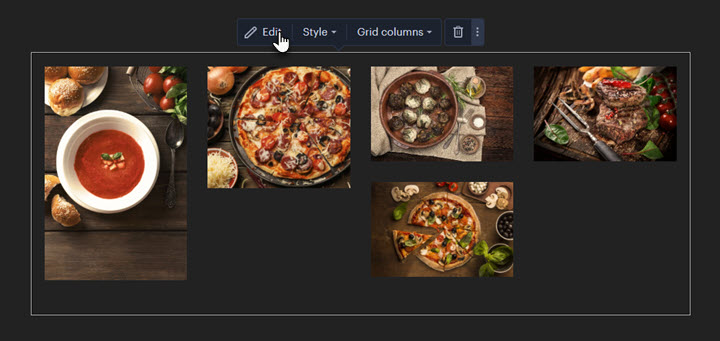
1. On your page, click the selected gallery and then click the Edit button.
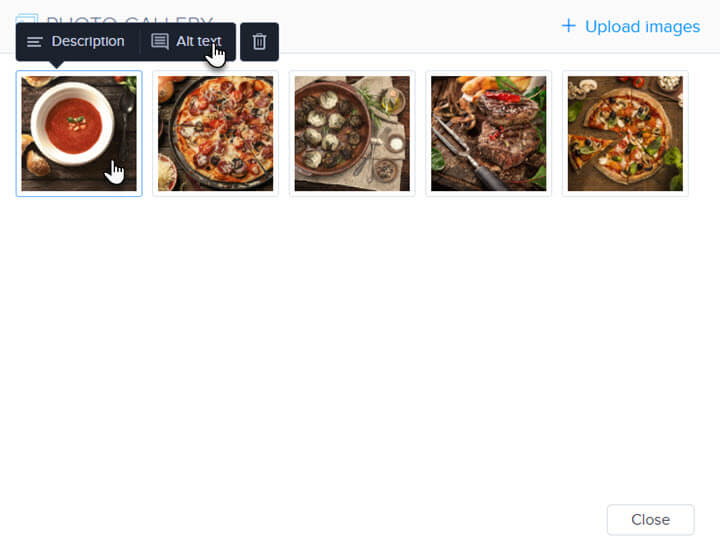
2. Select a specific image and click the Alt Text button.
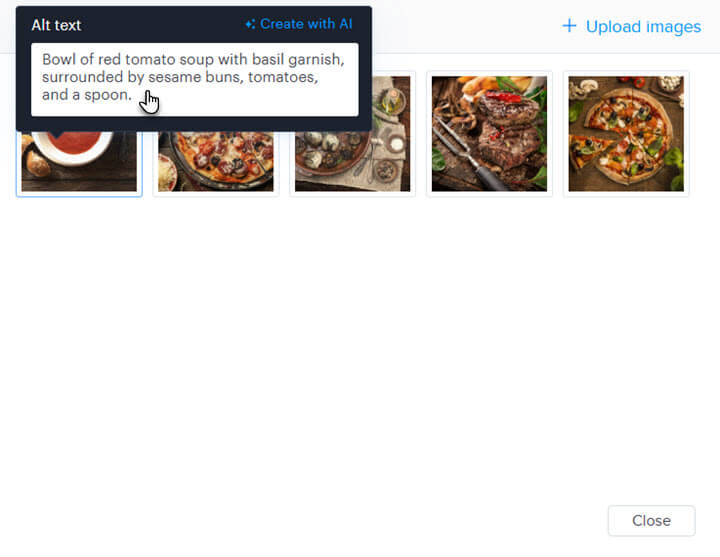
3. You can now enter the alt text into the corresponding field or use the Generate with AI button to have it created by artificial intelligence.