In this guide, you will learn how to translate existing texts into other languages within the Webnode editor. This is a reliable and fast solution for multilingual websites without the need for an external page translator.
The AI text translation feature is available with the Standard, Profi, or Business premium service packages.
Translating with AI
1. In the editor, click into a text field and select the AI Assistant option.
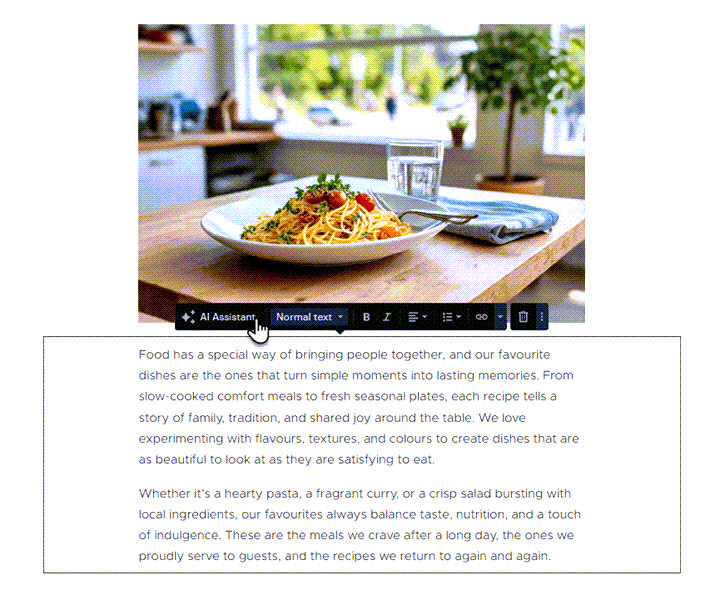
2. Next, choose Translate and select the desired language.

3. And that’s it—the text is translated.