In this guide, you will learn how to create a blog article within the Webnode editor using artificial intelligence. This tool will significantly help speed up article creation, reduce the need for manual input, and ensure text consistency.
The feature for creating blog article using AI is available with the Standard, Profi, or Business premium service packages.
Creating an article using AI
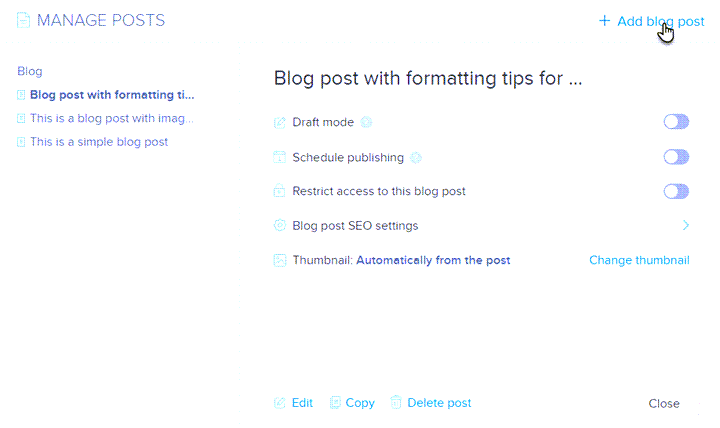
1. In the editor, click on Blog posts (note that a blog must be added to the website in this case).

2. Select Add blog post.
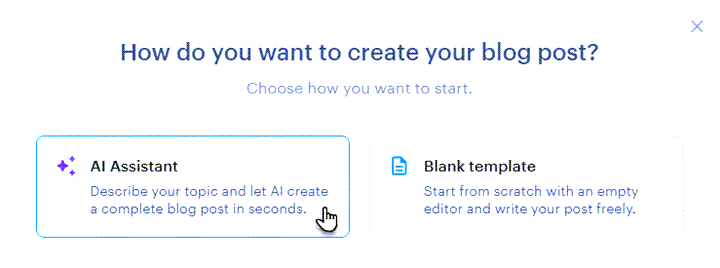
3. Choose the AI Assistant option.
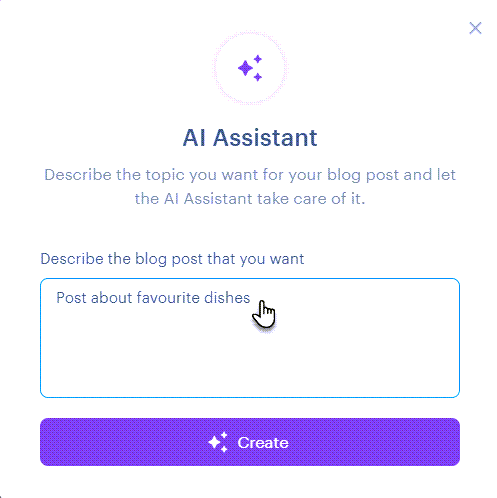
4. Describe the topic of the article.
5. And it’s done.