In this guide, you will learn how to create a page in the Webnode editor using artificial intelligence. This tool will significantly speed up the website-building process, reduce the need to manually add individual sections, and ensure visual consistency.
AI-powered page creation is available with the Standard, Profi, or Business premium plans.
Creating a page with AI
1. In the editor, click Pages.

2. Select the Add page button.
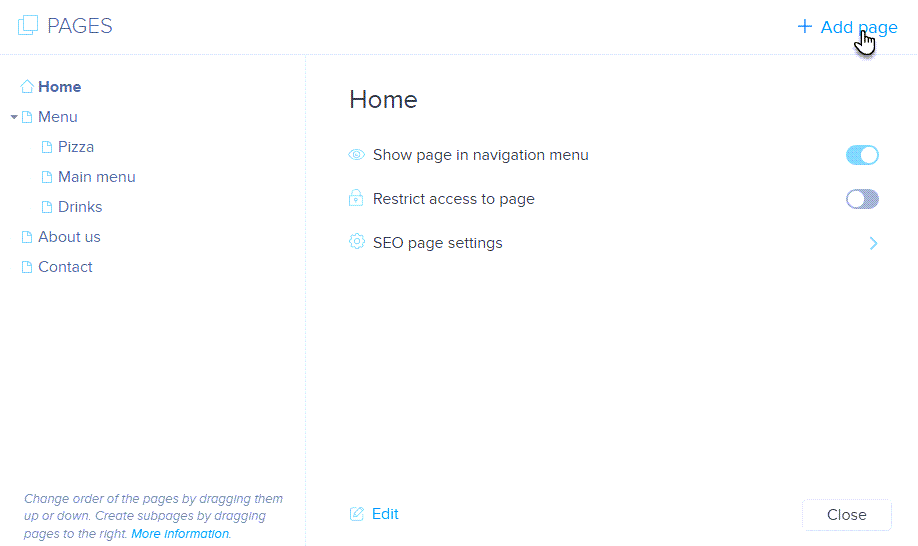
3. Choose the AI Assistant page type.

4. Describe the type of page you want to create.
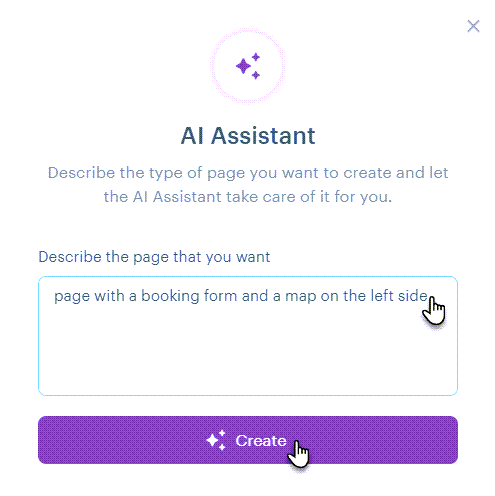
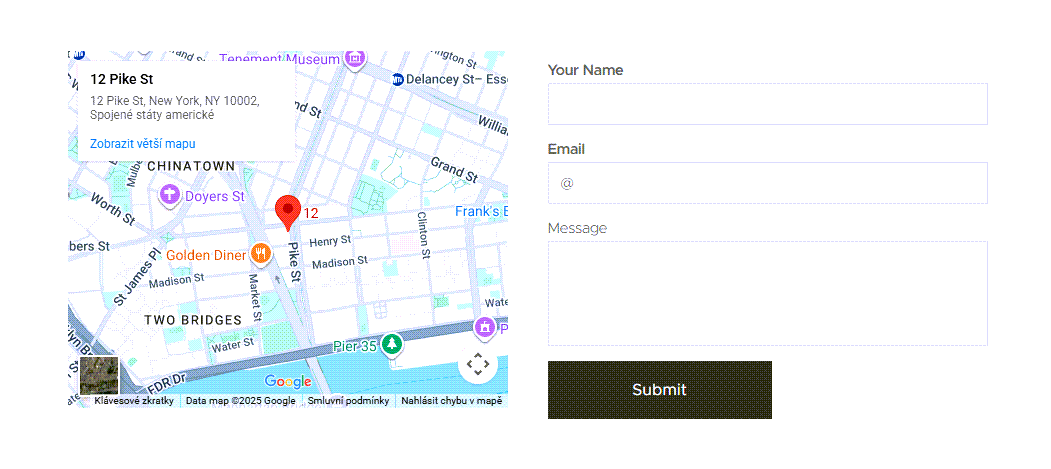
5. And you’re done. The page can be edited just like any other page on your website.
TIP: You can change the page name and its URL following the guide How to change the name of individual pages on your website.
TIP: You can also use artificial intelligence to create page sections or text. Learn more in the guides How to create a section using AI and How to create text using AI.