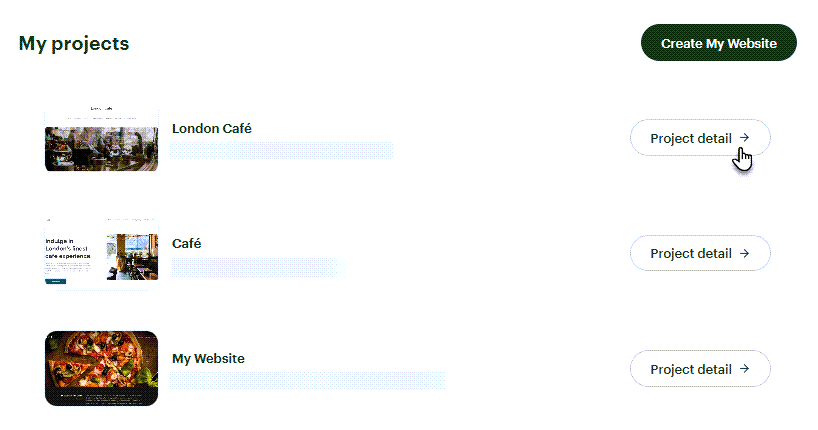
1. On your My Projects page, choose the website you would like to edit.
2. Click Edit site and you will be taken to the editor.
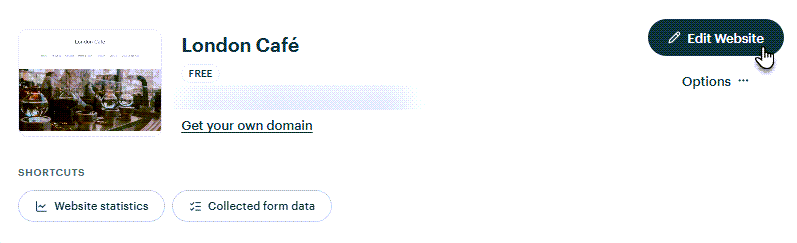
TIP: On your My Projects page, you are also able to delete projects, register your own domain, activate Premium Services or view your website's visitor statistics and data.